Tetris Arcade Machine
2025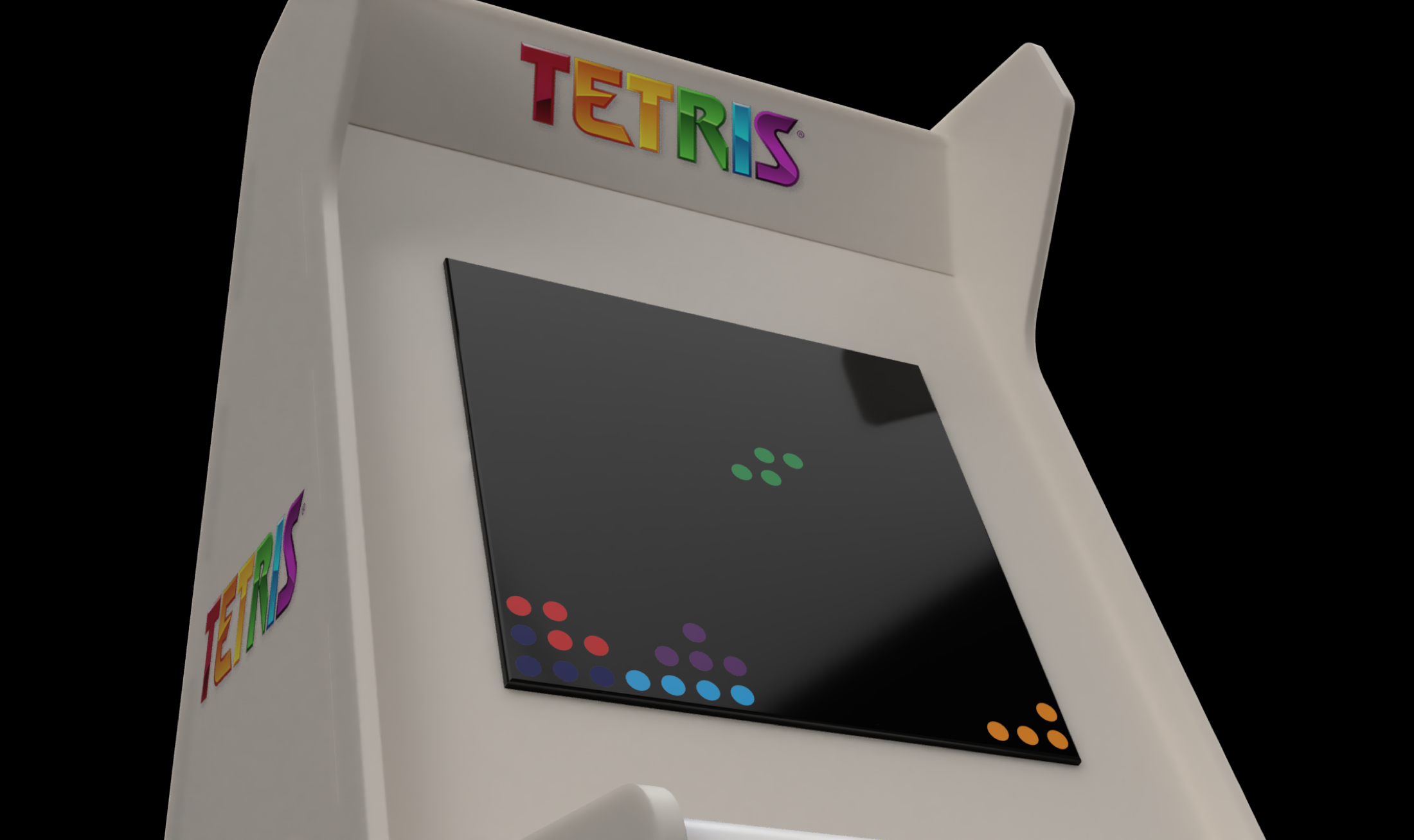
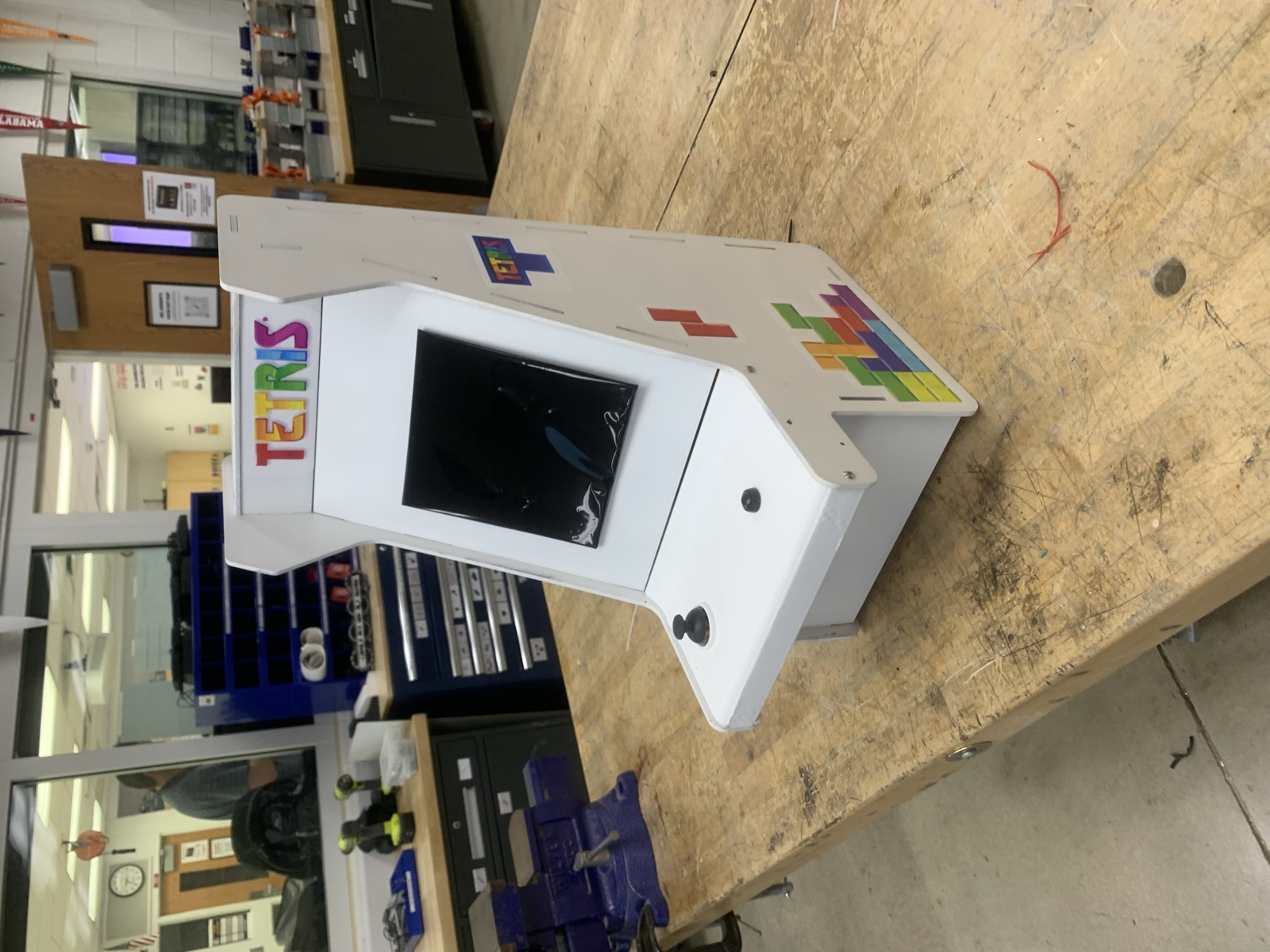
A working Tetris arcade machine in a bartop cabinet. The game runs on a NeoPixel LED matrix, with a joystick for movement and a single button for rotation. The cabinet is laser cut and engraved, assembled with tab and slot joints, and finished with spray paint and printed vinyl artwork. The project pulled together two halves that had to meet in the middle: writing the game logic and driving the hardware, and designing and building the physical machine it lives in.
1. Process
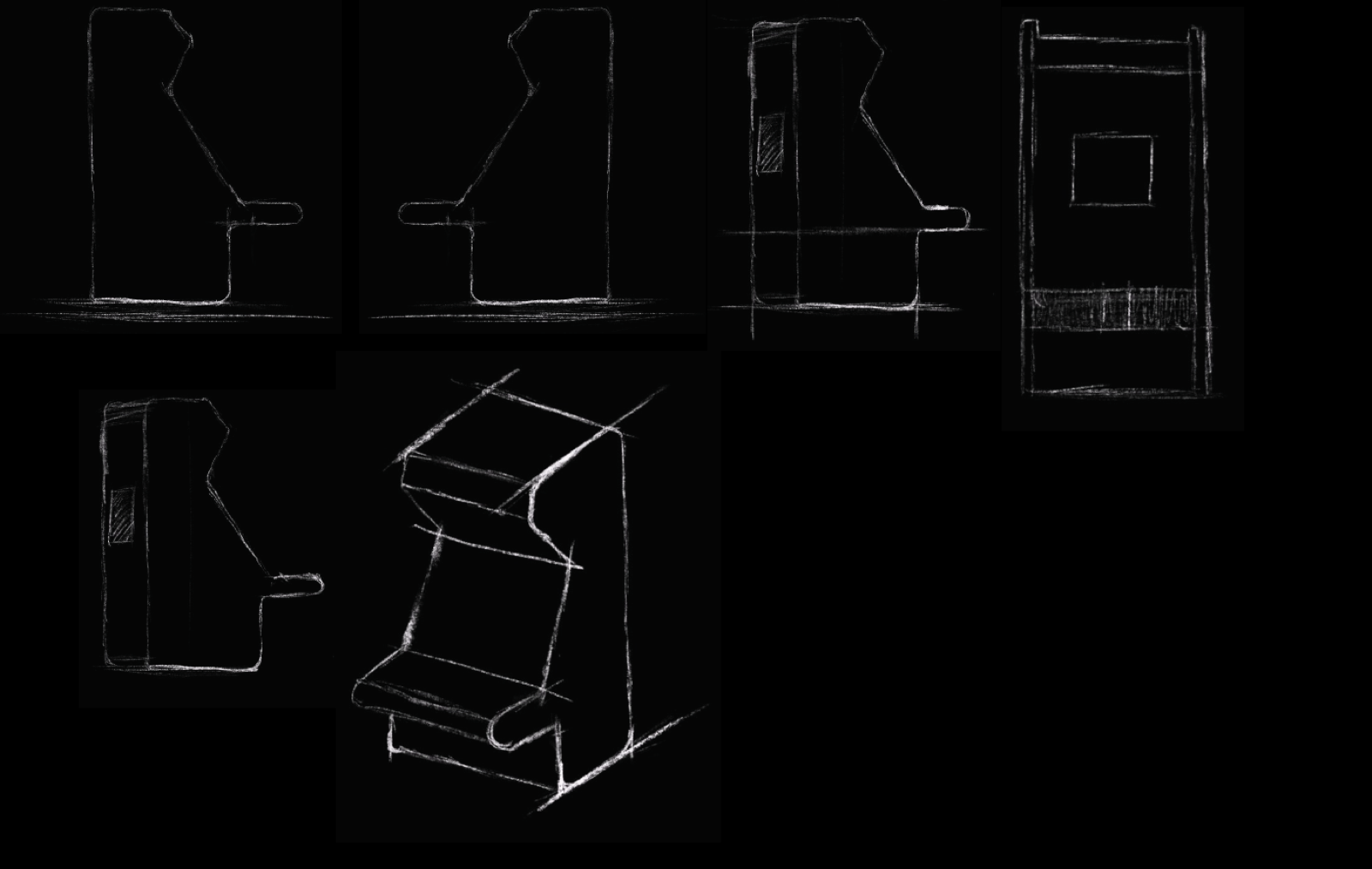
I started from the classic upright arcade silhouette and worked it down to something that could sit on a table. The sketches explore the profile: how far the screen leans back, how deep the control shelf sticks out, and where the marquee sits above the display. The stepped side profile came out of those passes, because it keeps the screen angled toward the player while letting the whole machine stay small.
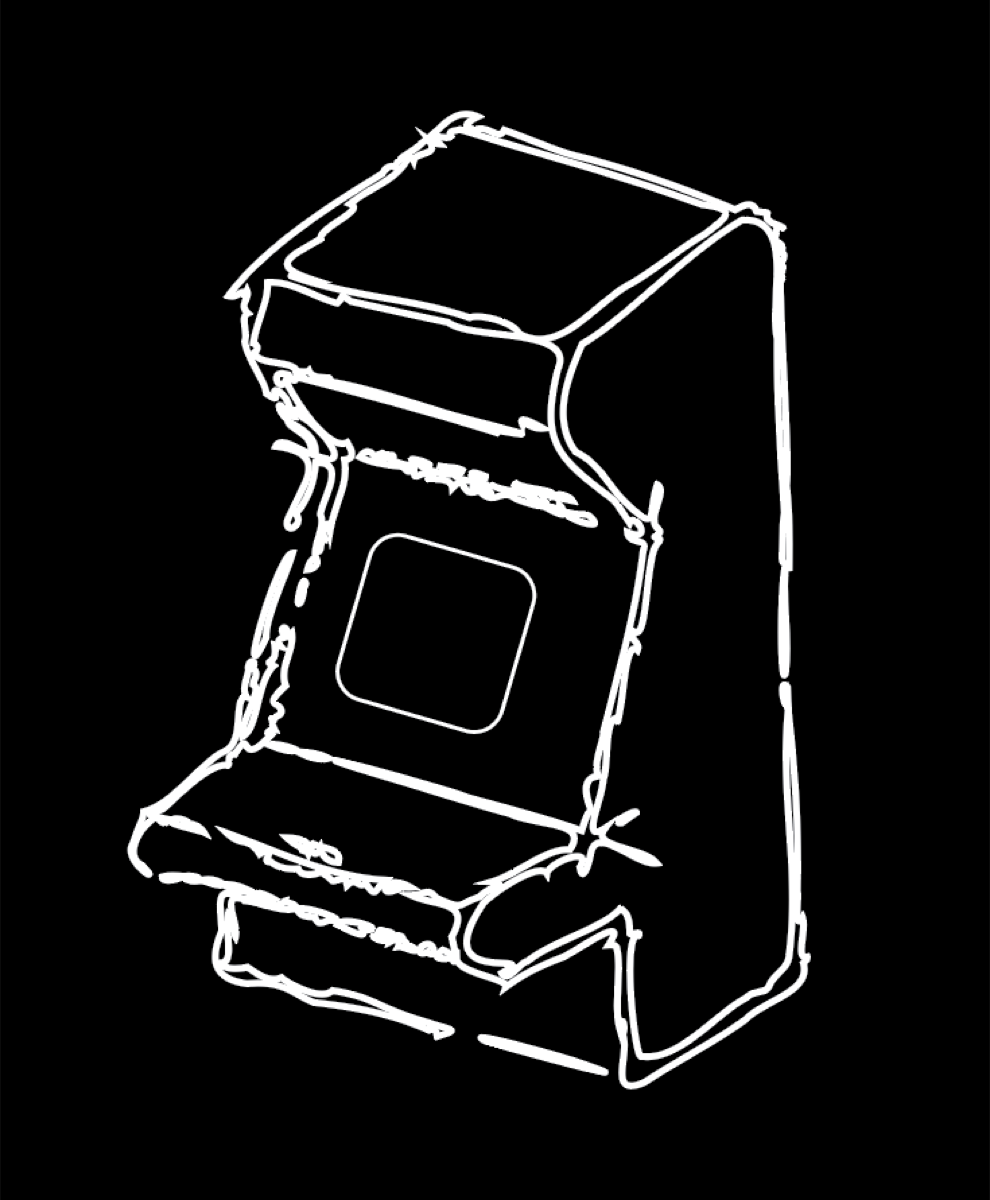
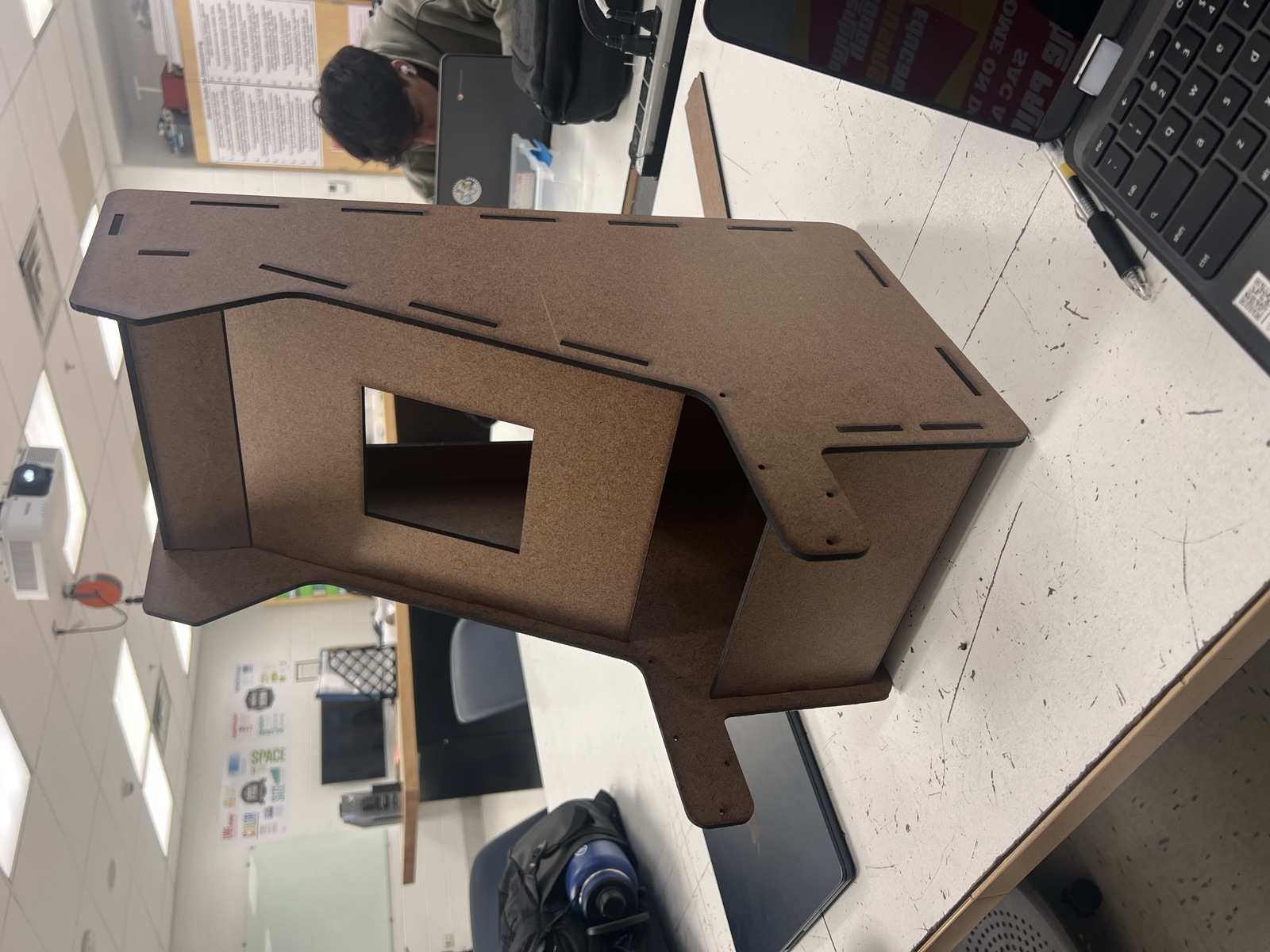
I took the chosen profile into Fusion 360 and built the cabinet as a set of flat panels that interlock. Modeling it as an assembly meant I could check that the screen opening lined up with the matrix, that the control shelf sat at a comfortable height, and that every joint met at the right place before anything was cut.
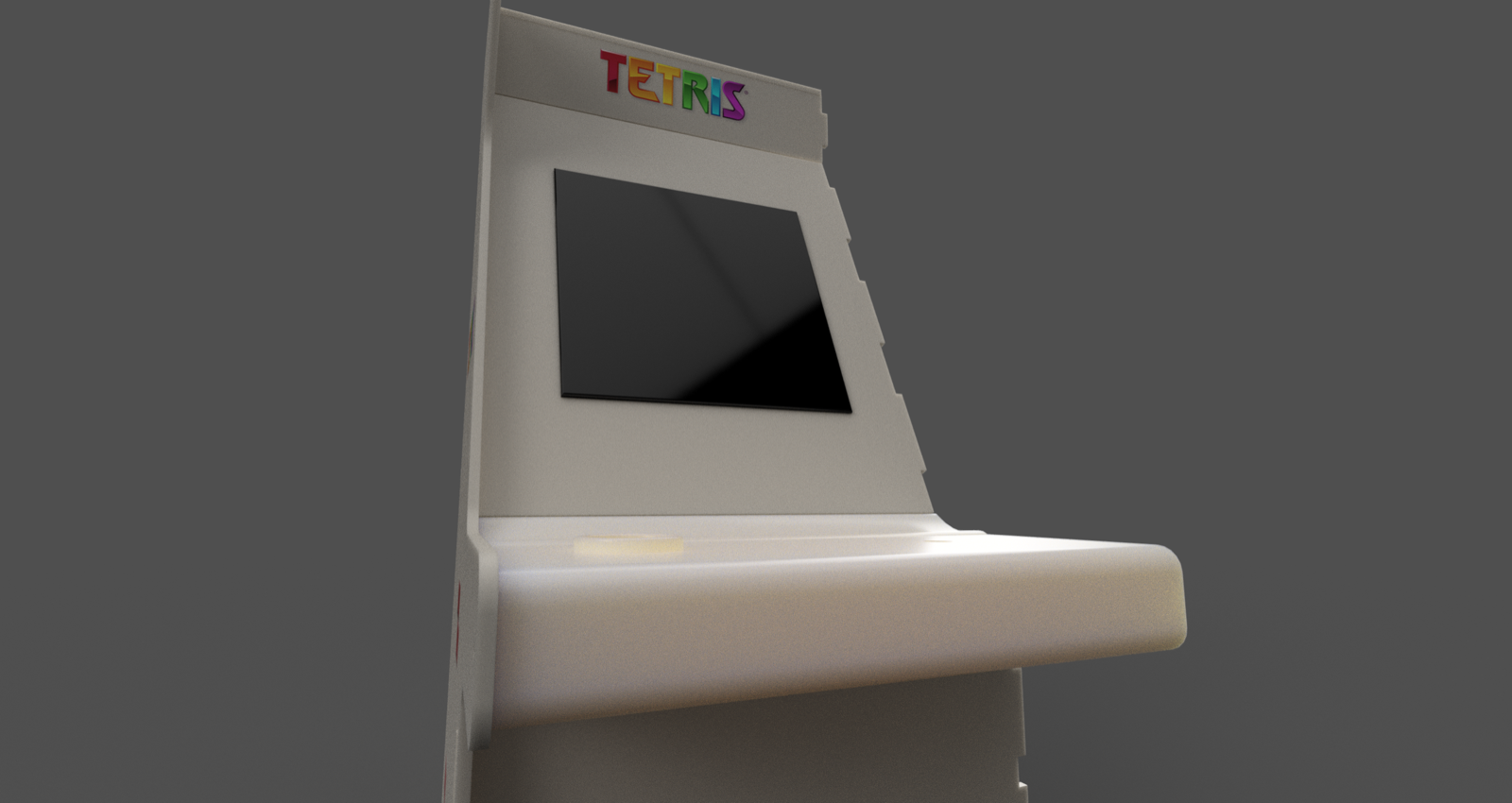
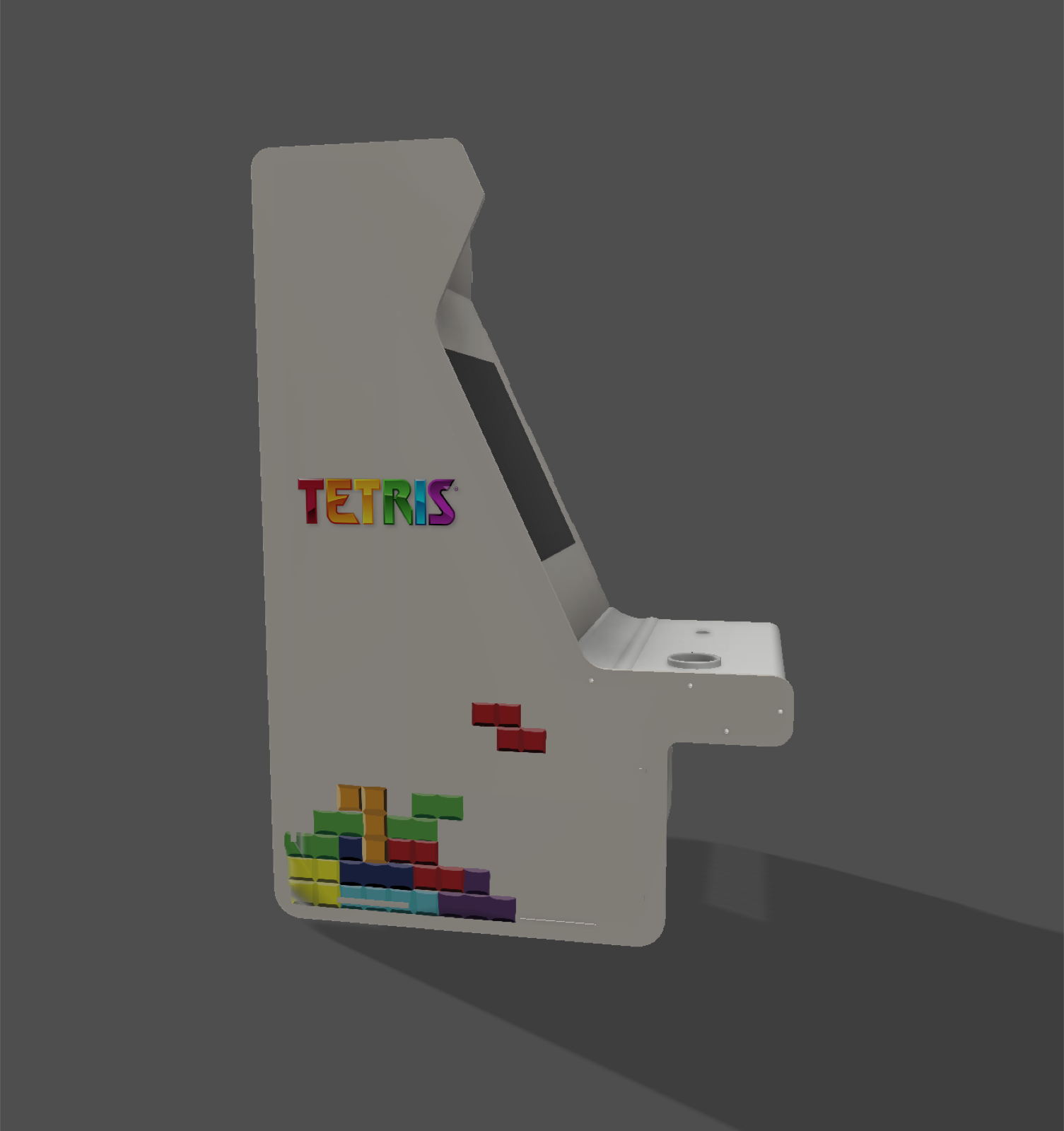
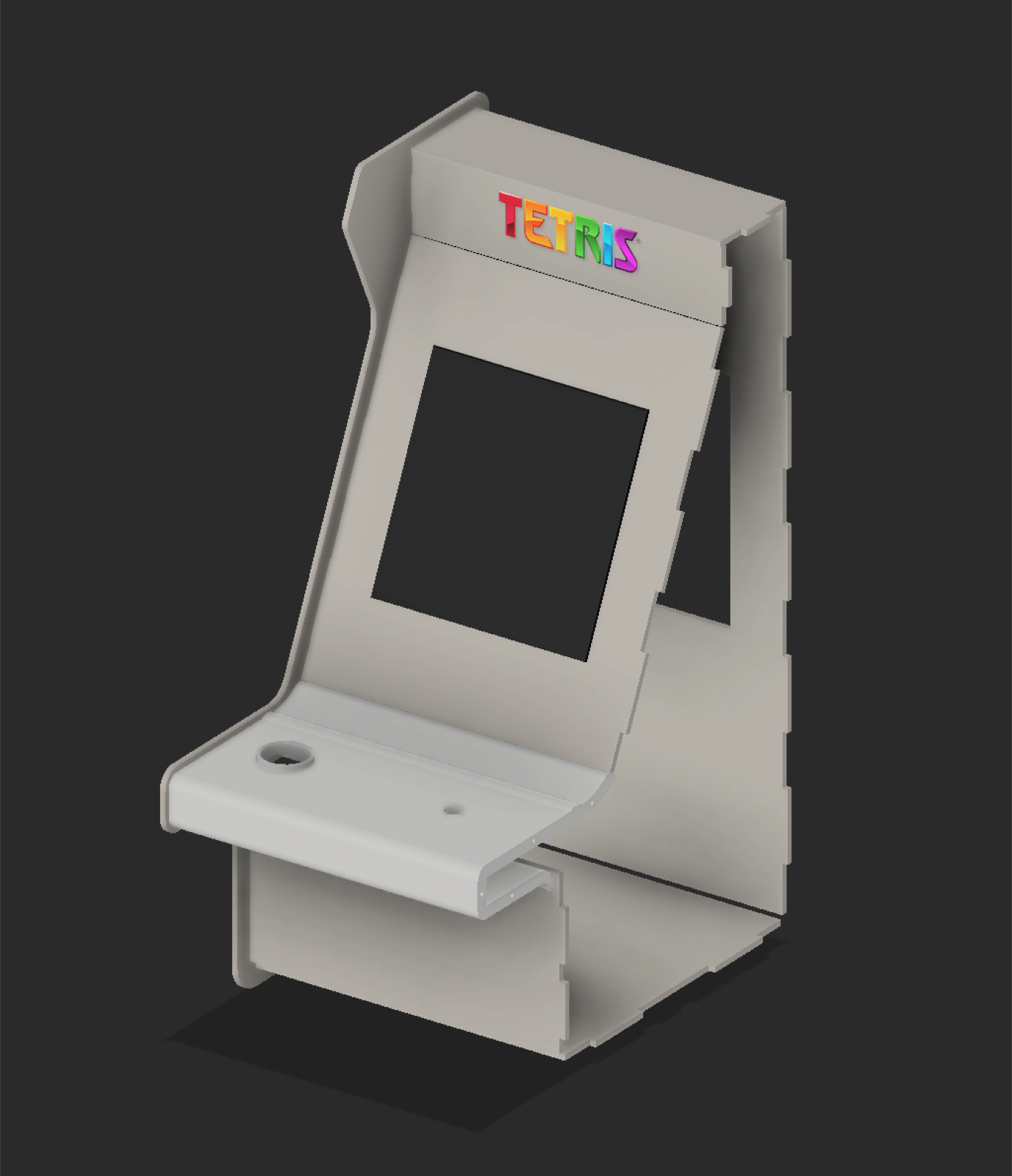
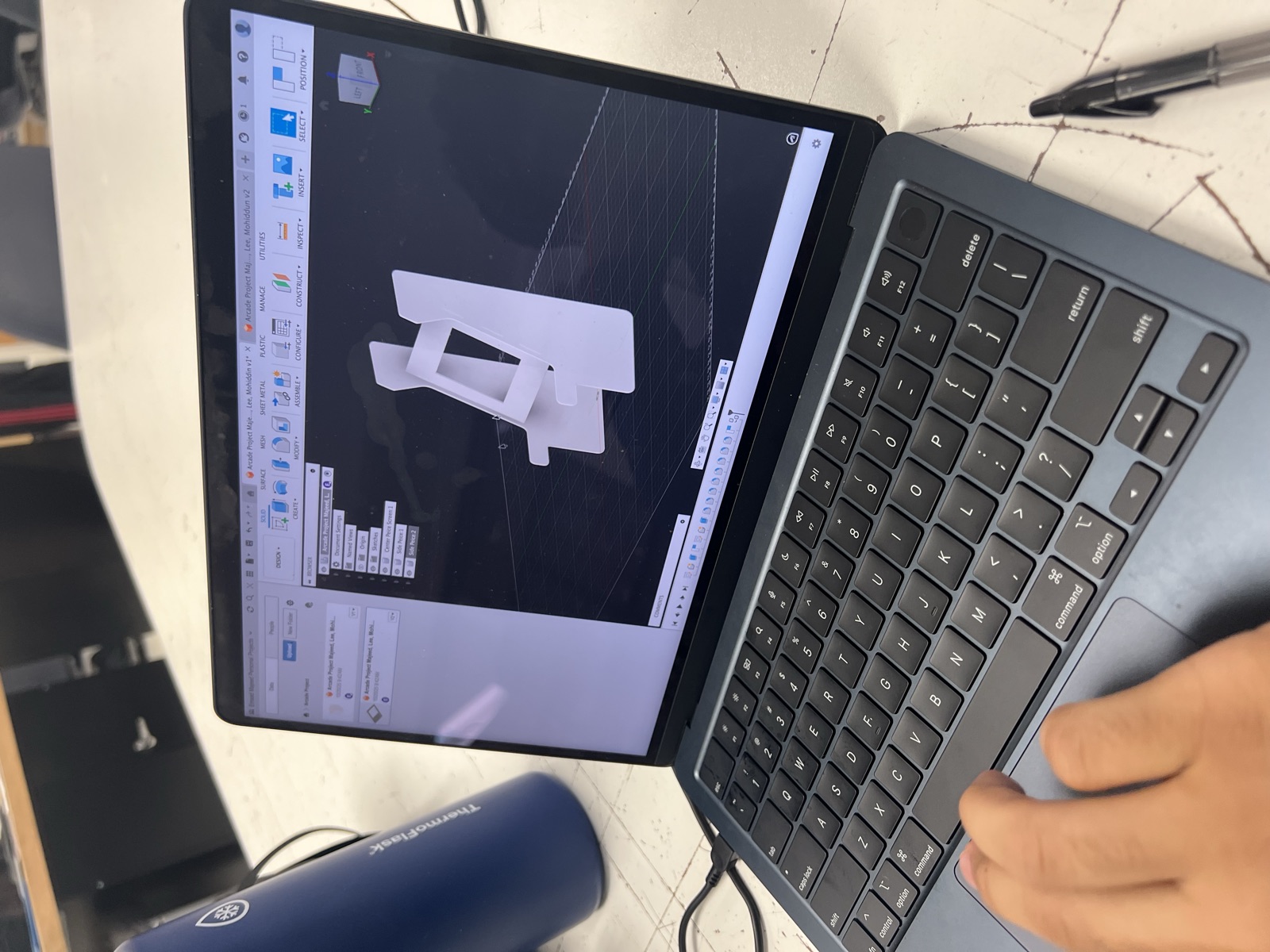
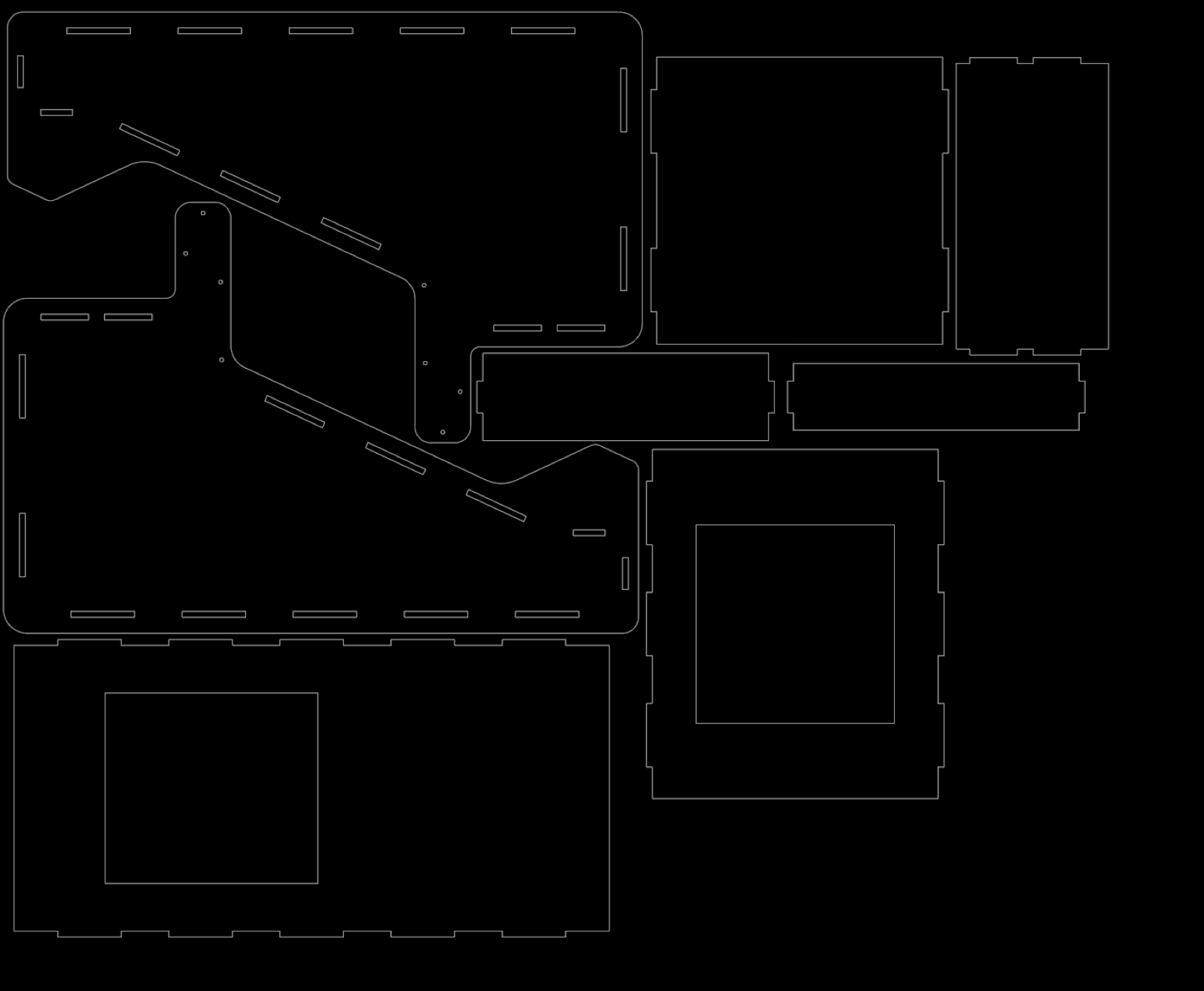
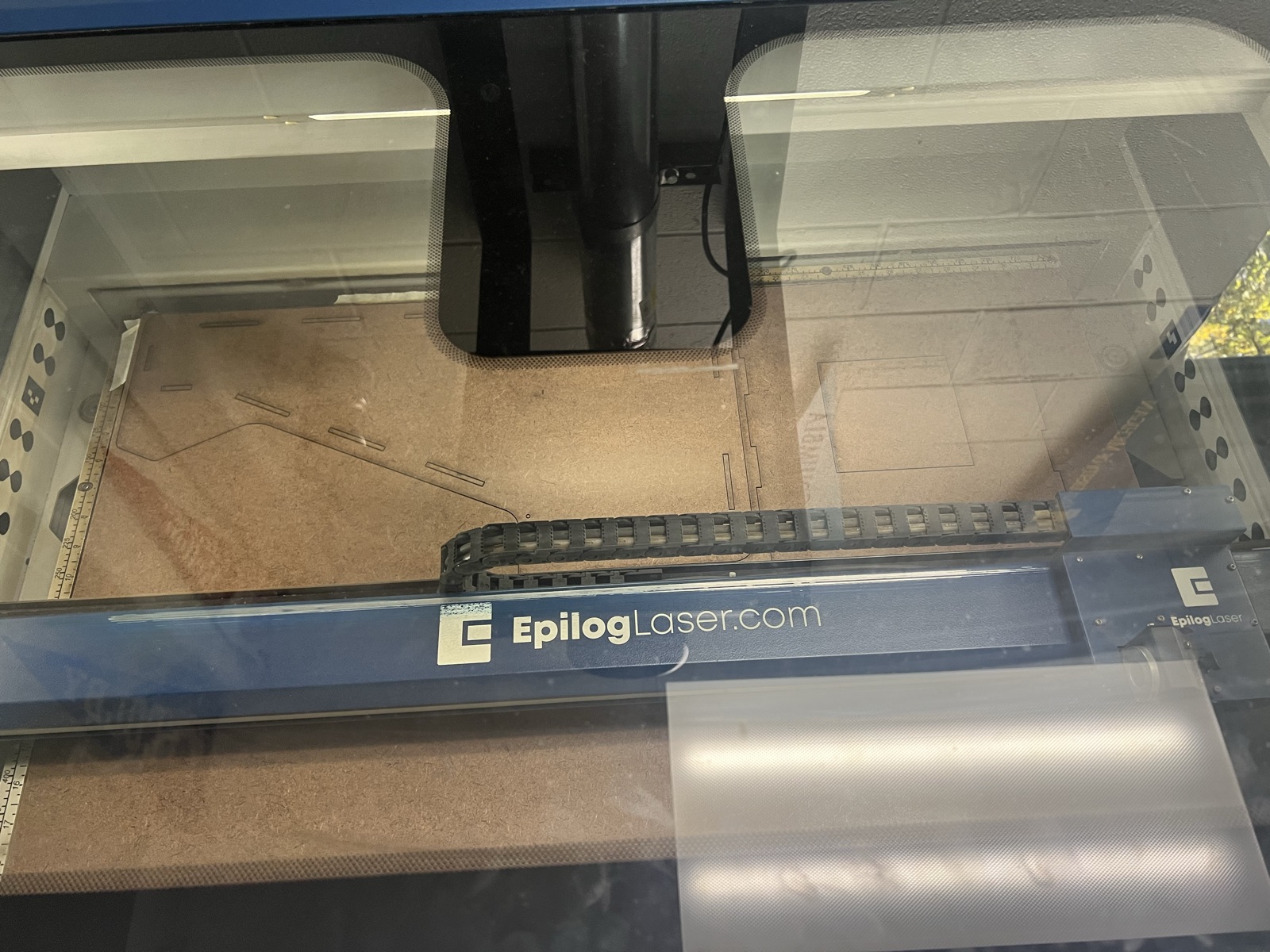
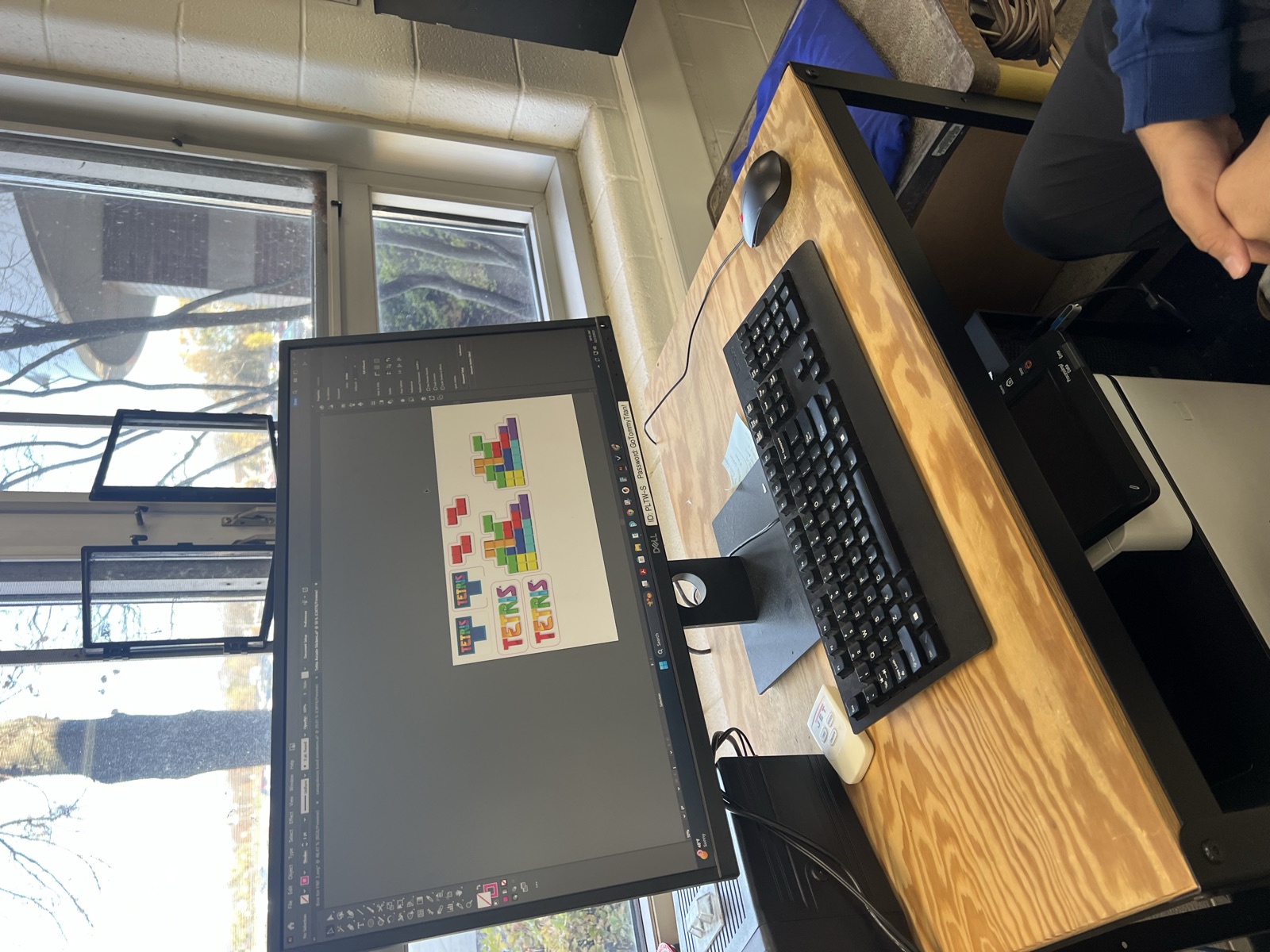
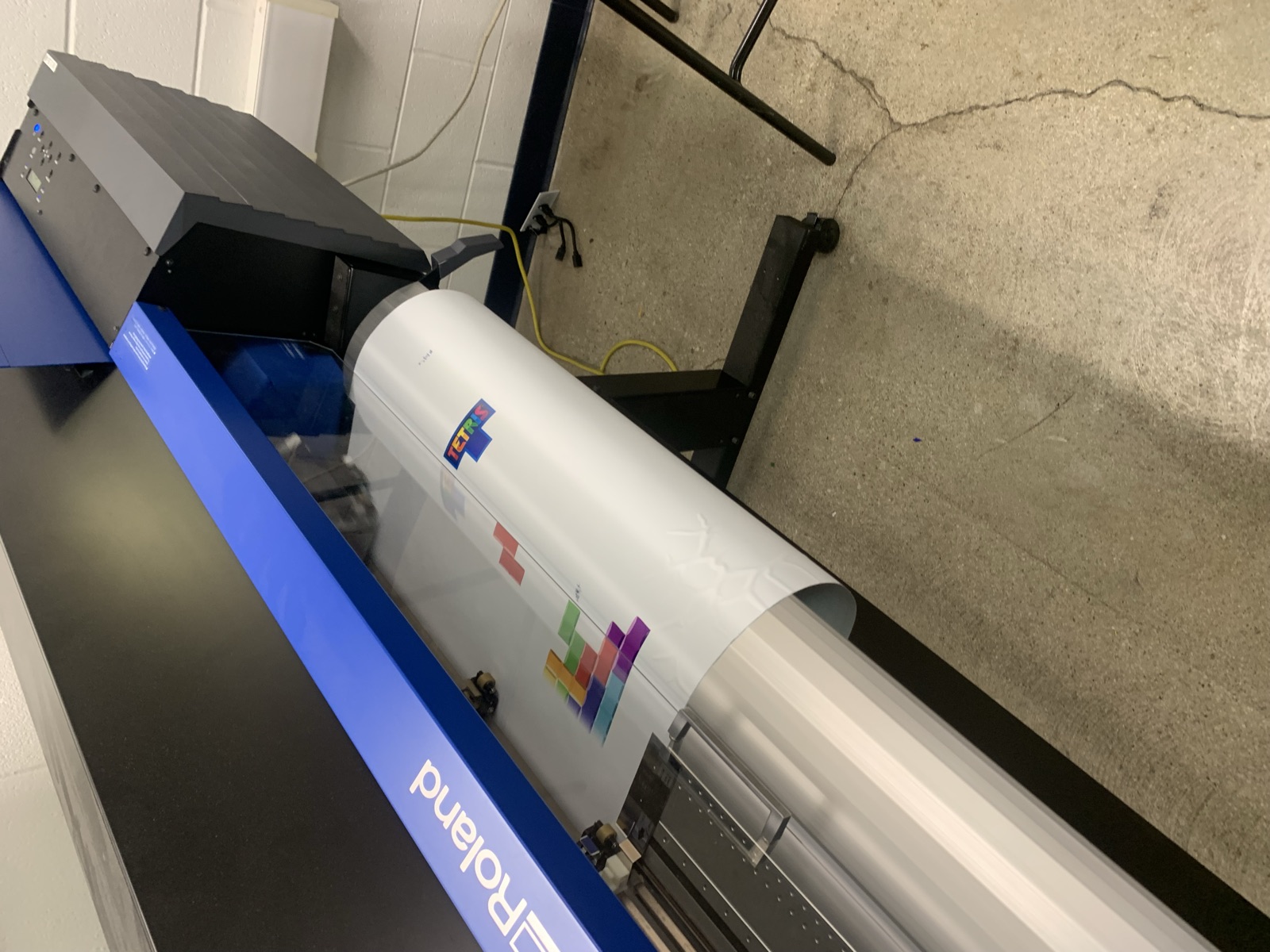
The assembly was flattened into a single cut file. Every panel carries tabs and matching slots so the cabinet locks together without brackets, and the screen and control openings are cut in the same pass. After cutting I engraved and painted the panels, then applied printed vinyl for the marquee and the tetromino artwork on the sides.
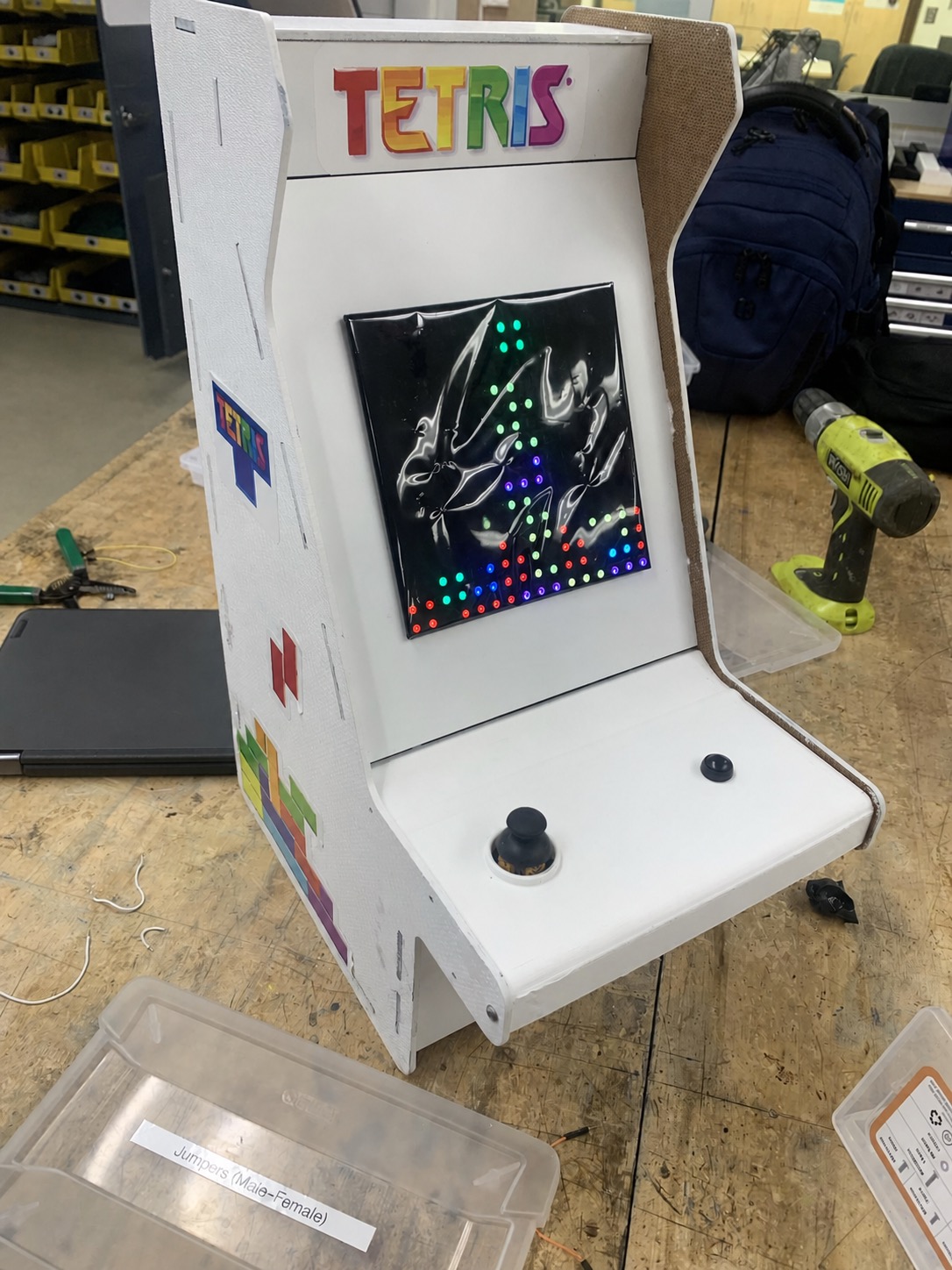
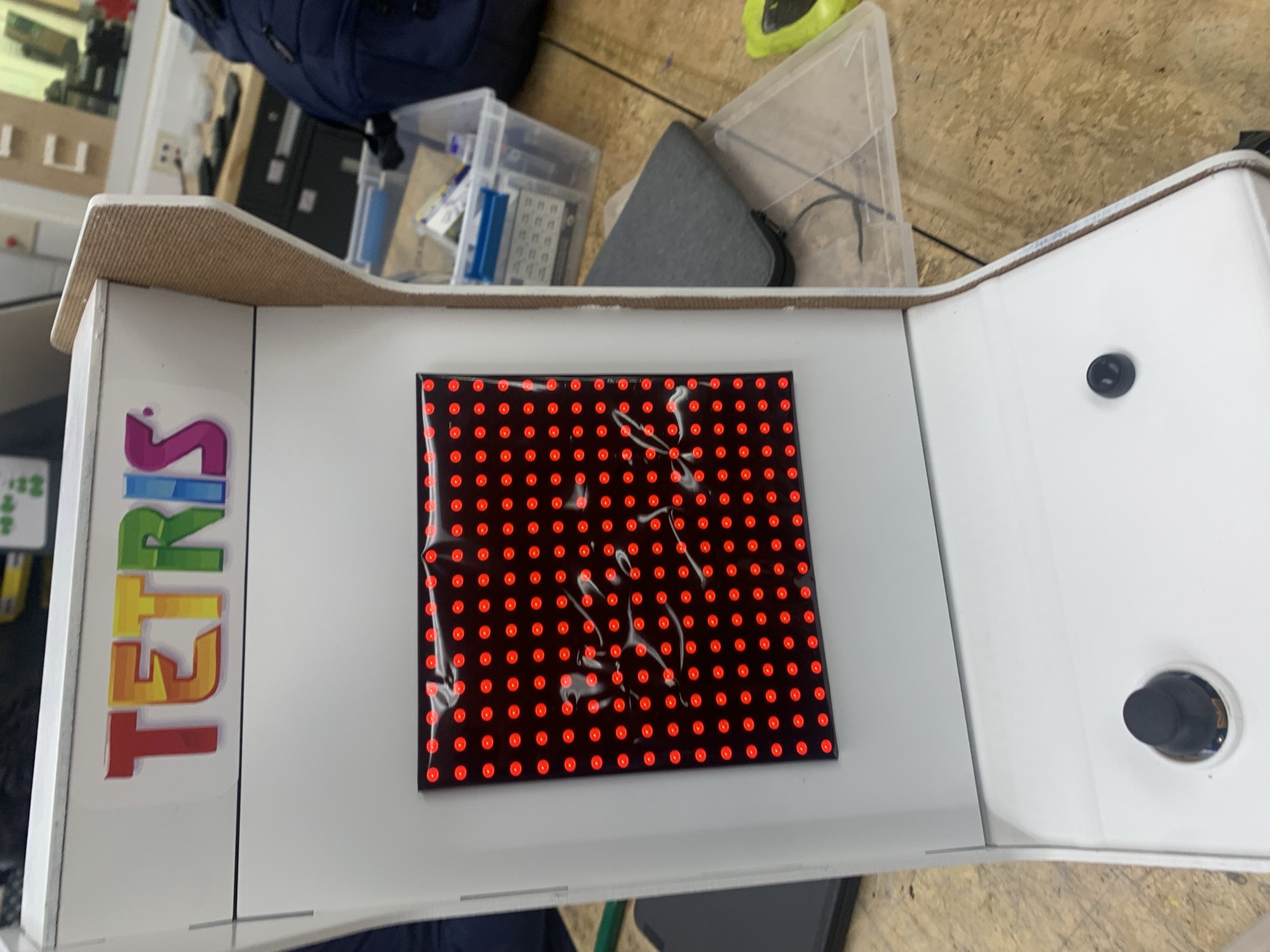
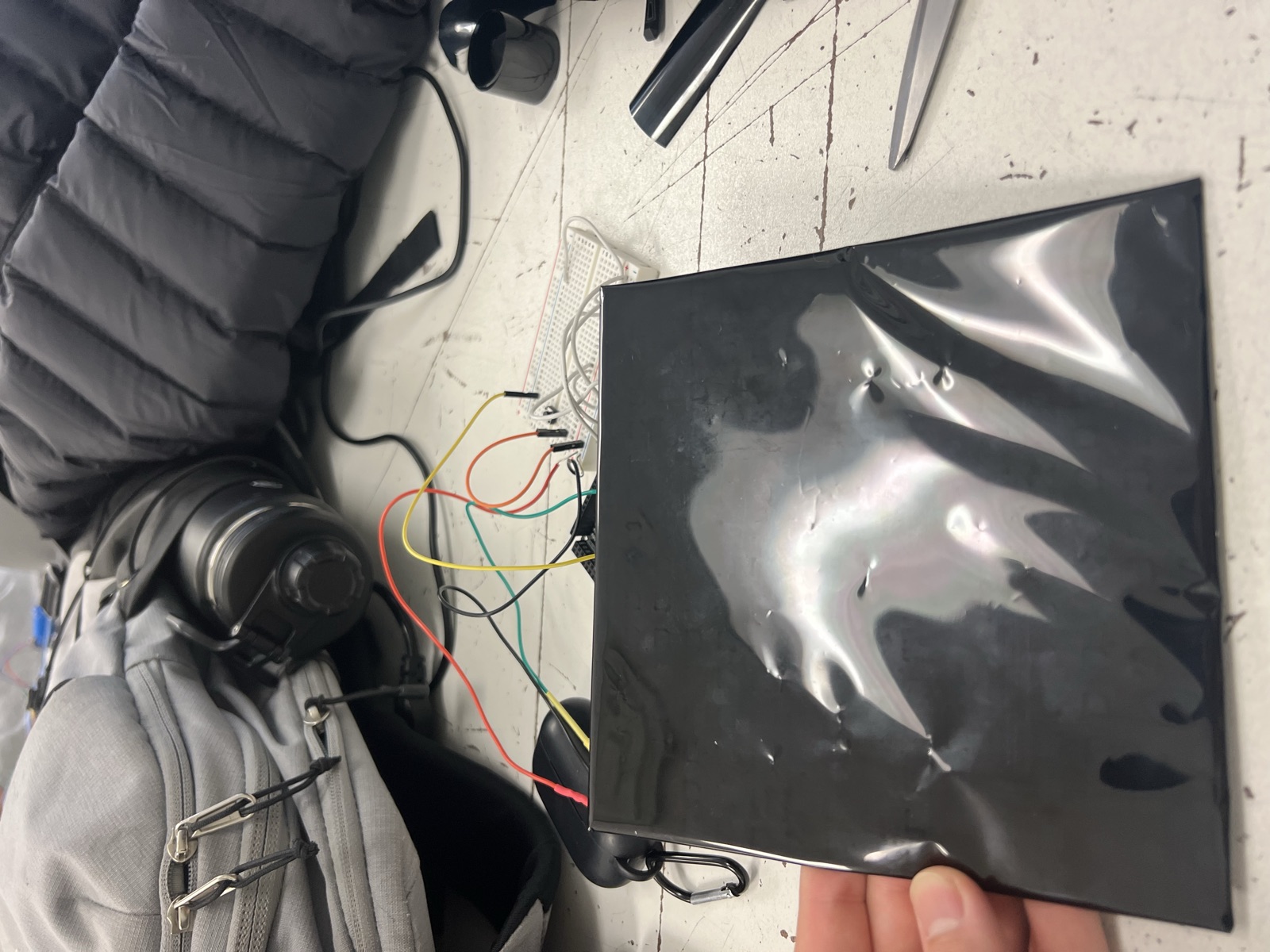
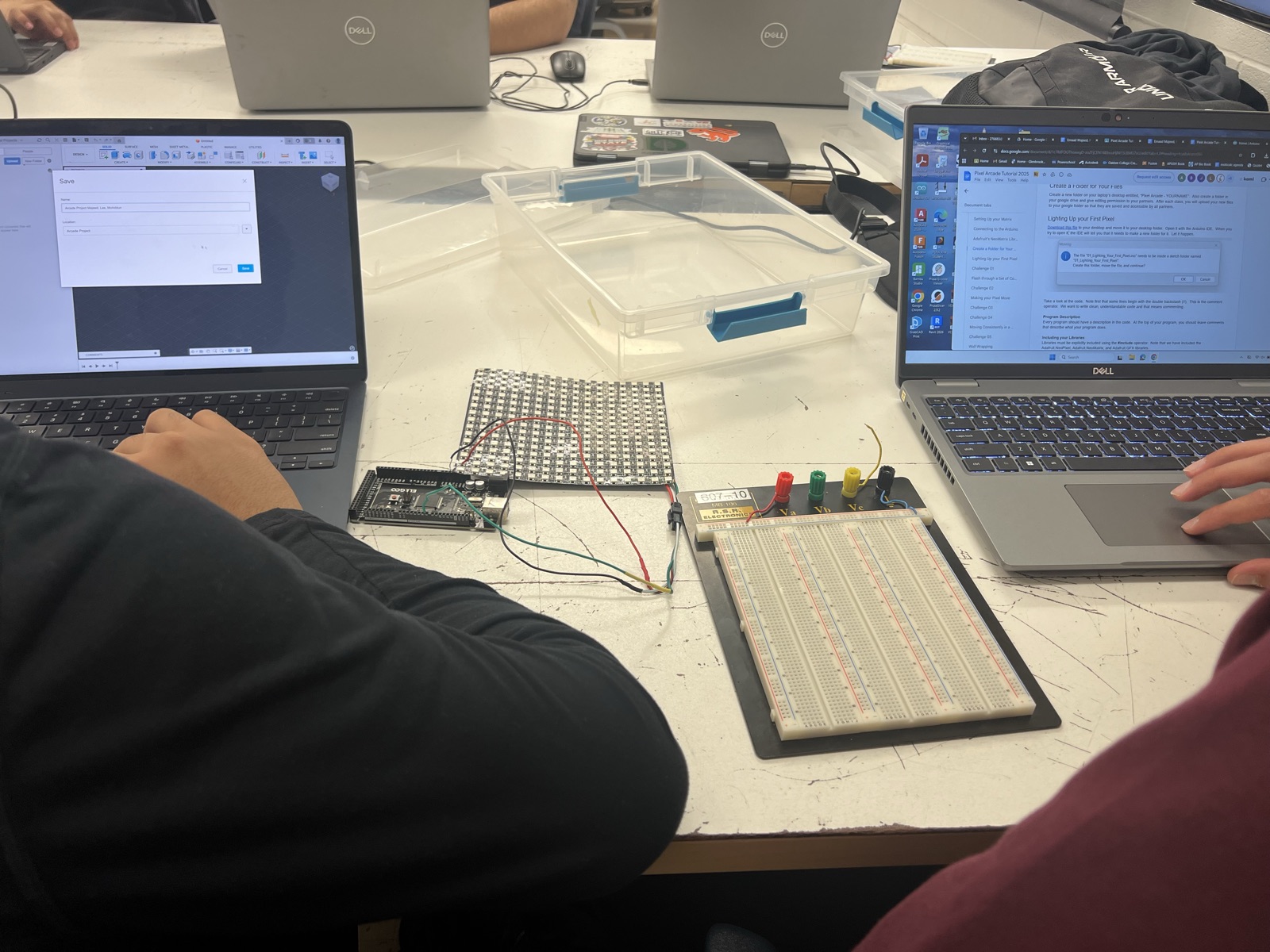
The playfield is a NeoPixel matrix sitting behind the screen opening. Raw, the individual LEDs read as bright points rather than clean blocks, so I put a diffuser film over the face. That spreads each pixel into an even square and makes the stack of tetrominoes read properly from a normal viewing distance. Behind the panel the matrix is wired back to the board along with the joystick and the rotate button.
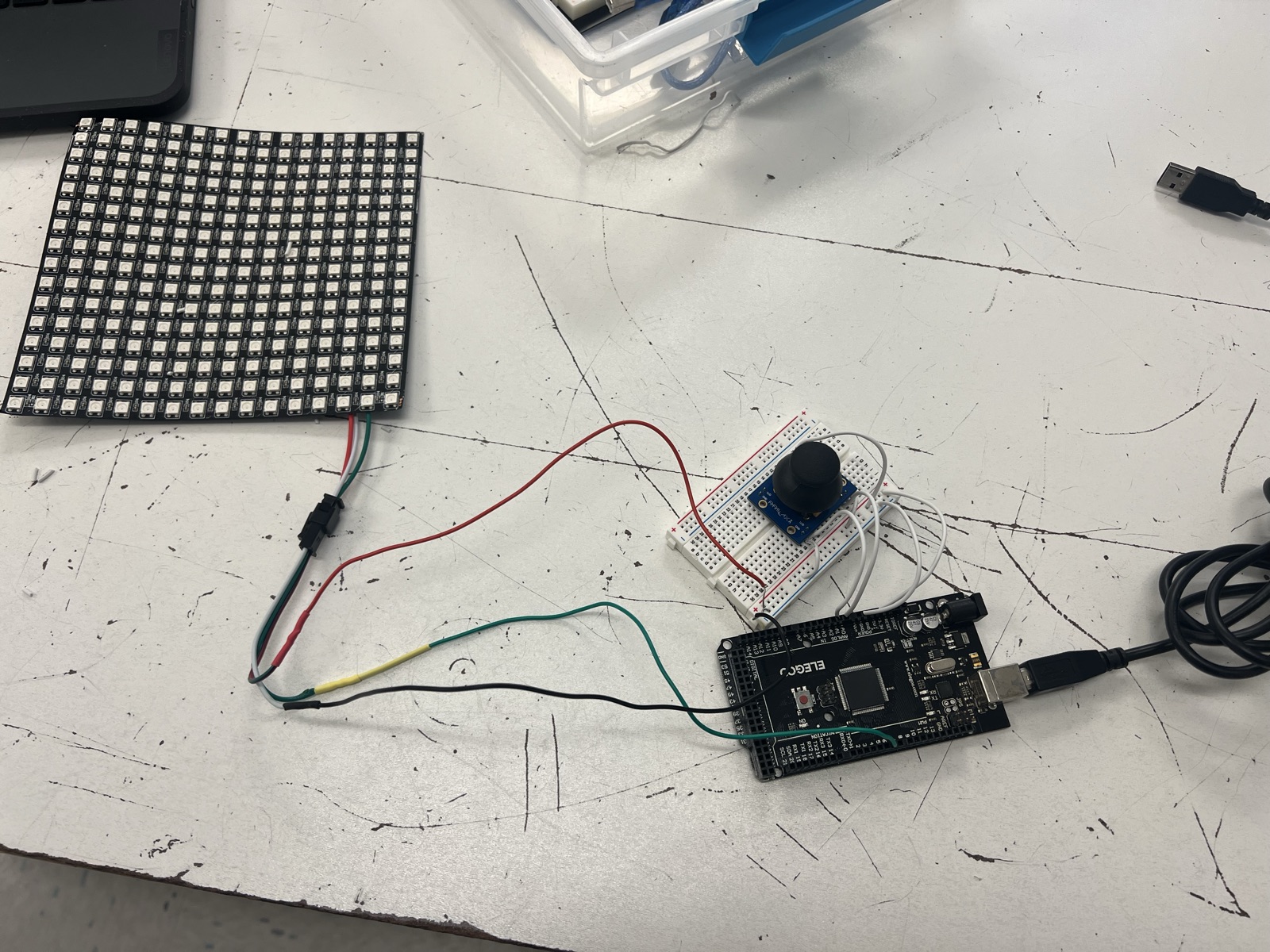
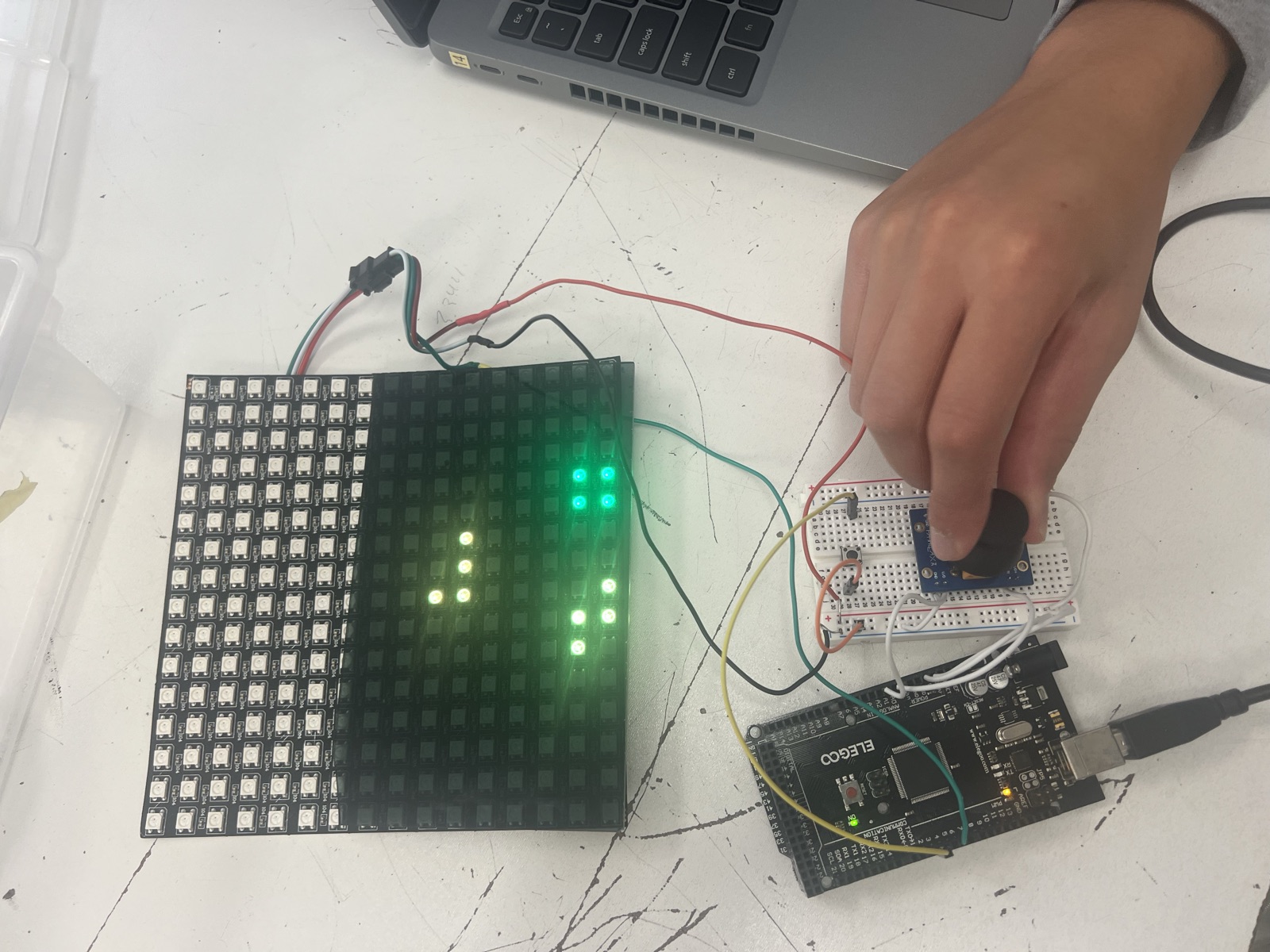
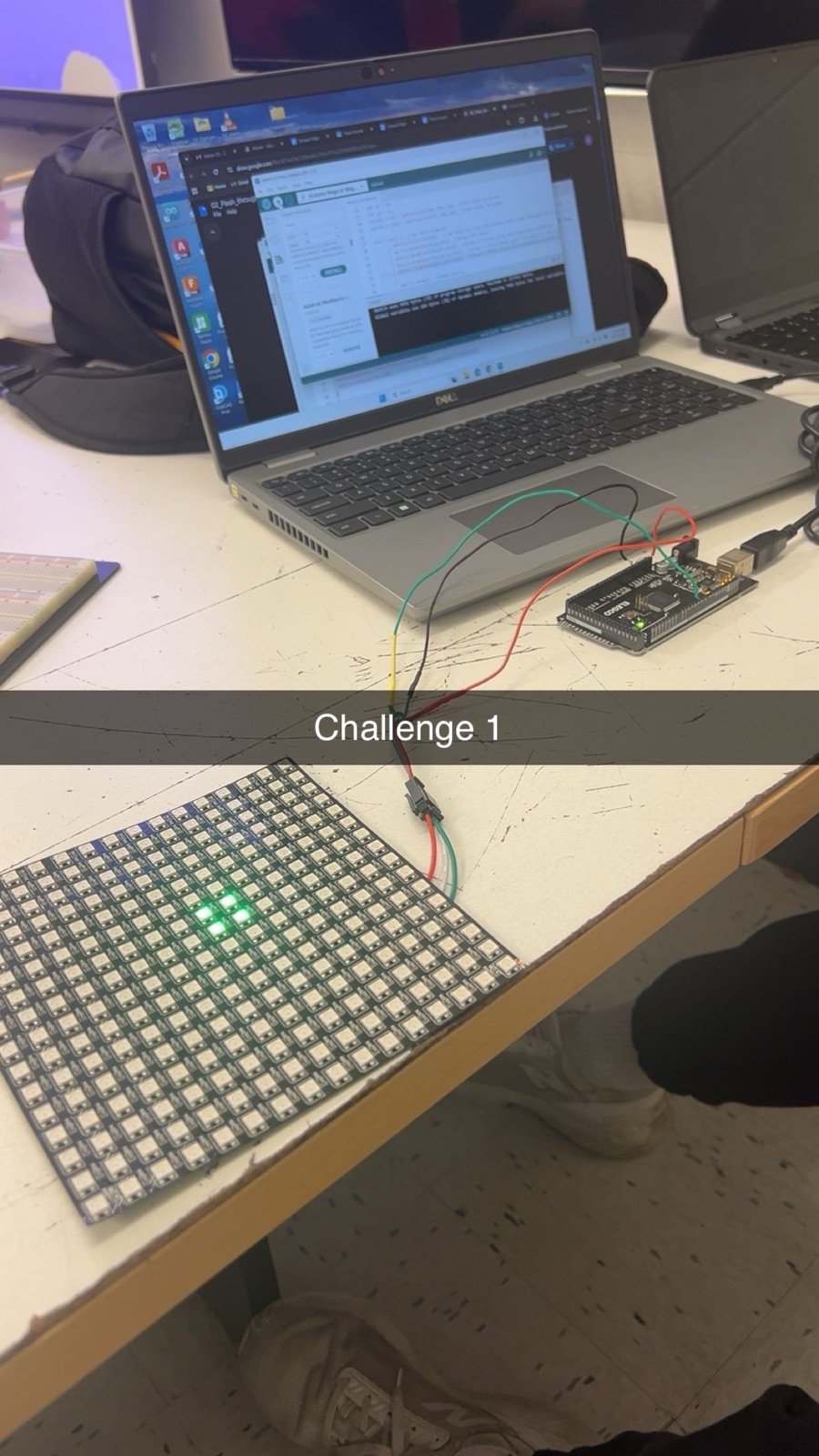
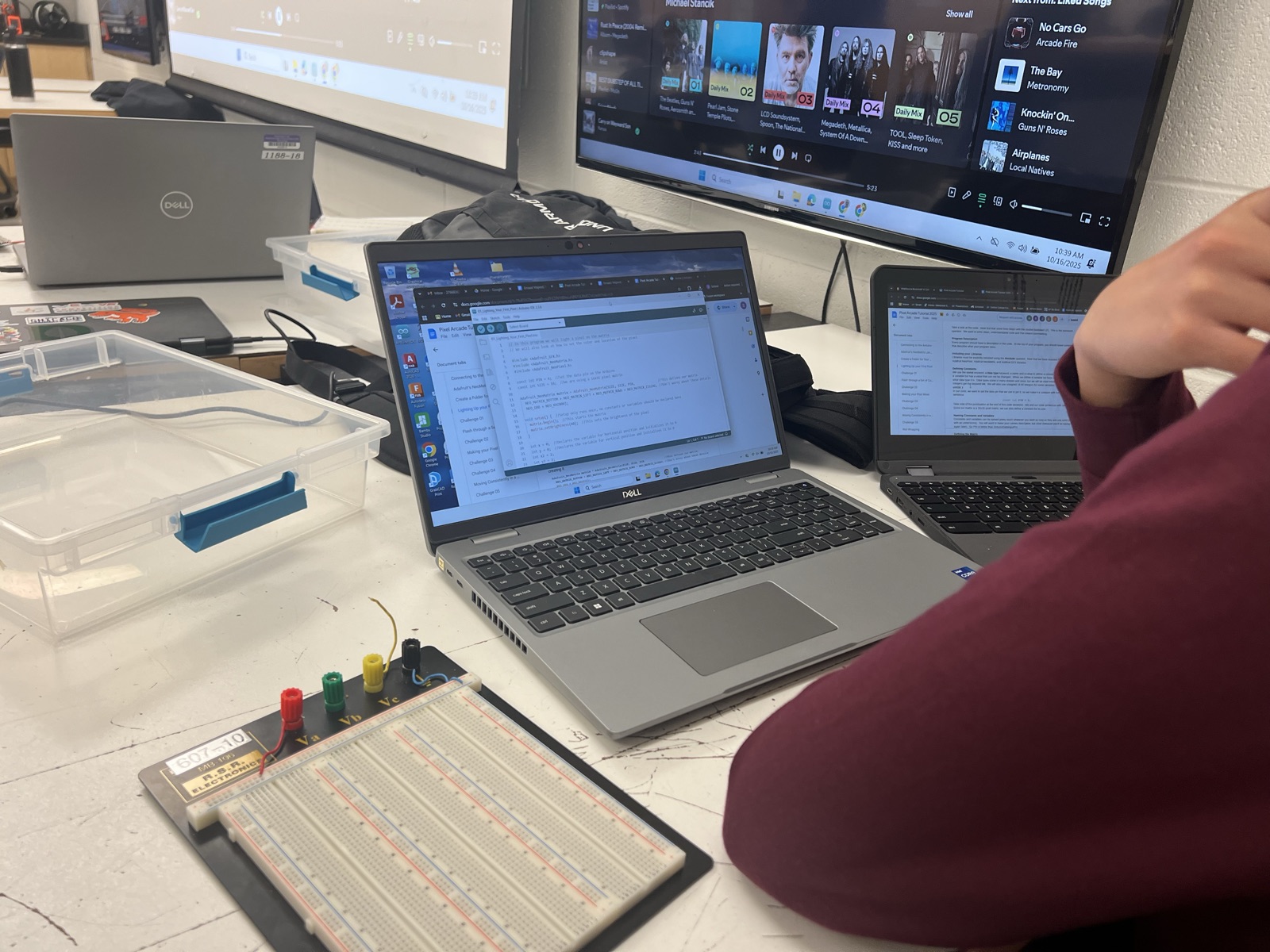
The game had to be written from the ground up for a display that is only a few dozen pixels across. That meant mapping the LED strip into a grid, tracking the playfield state, and redrawing it cleanly every frame. Movement comes off the analog joystick and rotation off a debounced button. On top of the basic falling and clearing, I added a soft drop for faster placement, a level system that speeds the game up as it goes, line clears, and win and lose animations.
2. Final Design
The finished machine is a white bartop cabinet with the marquee above the screen, tetromino artwork down the sides, and the joystick and rotate button set into the control shelf.
Building our Pixel Arcade Tetris game was challenging but also really rewarding. At first the idea seemed simple, but once we started coding the NeoPixel matrix, handling joystick movement, and writing the game logic, we realized how many small details had to work together. Learning how to map the LEDs, read analog inputs, debounce the rotate button, and update the screen correctly taught us a lot about combining hardware with programming.
One feature I am especially proud of is the soft drop, because it made the gameplay feel smoother and required careful timing. The hardest part was definitely the joystick. The analog values were unpredictable, and getting the movement to feel consistent took a lot of trial and error. Adding the level system made things even tougher because fixing one part of the code often messed up another part. It felt like trying to solve a Rubik’s cube where every twist created a new problem to fix, while you also had to retain the previously solved parts.